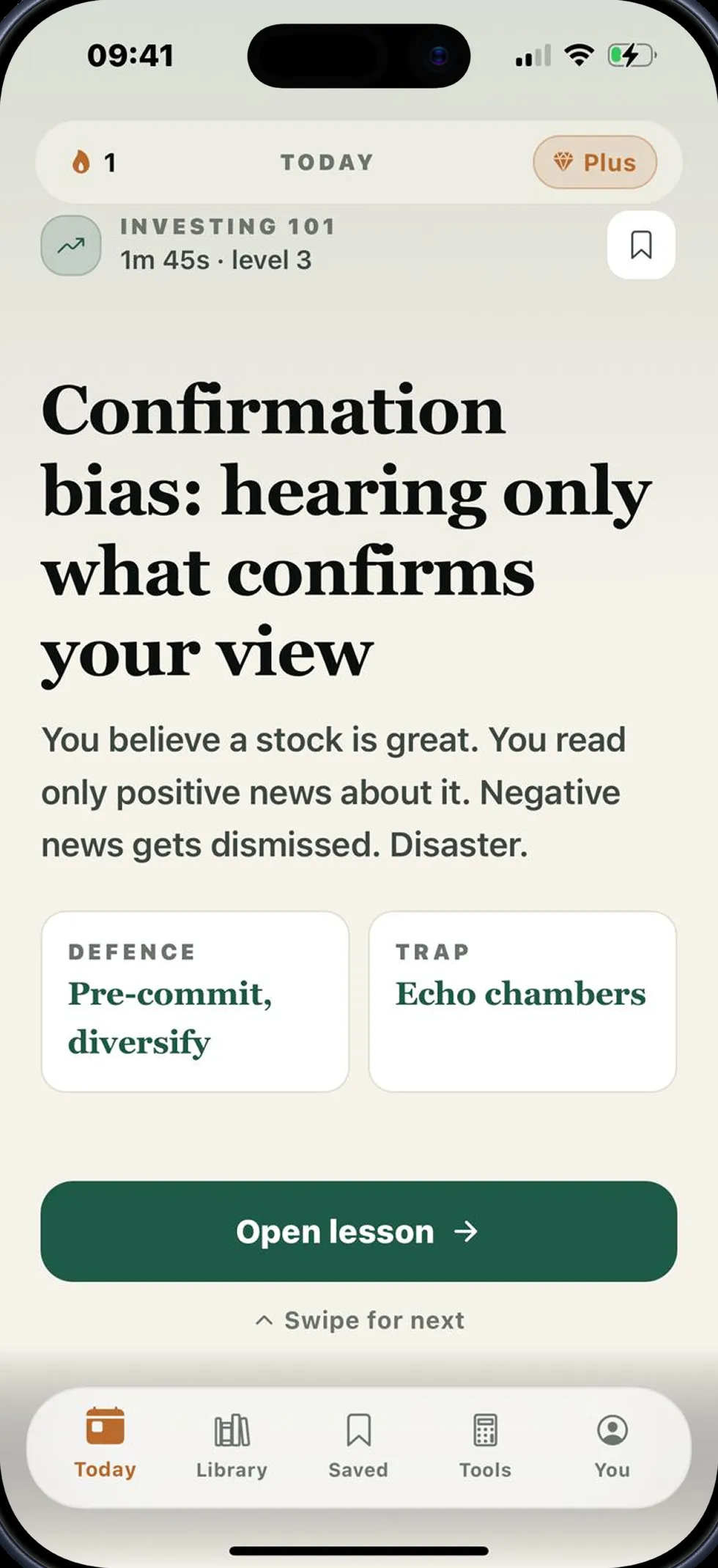
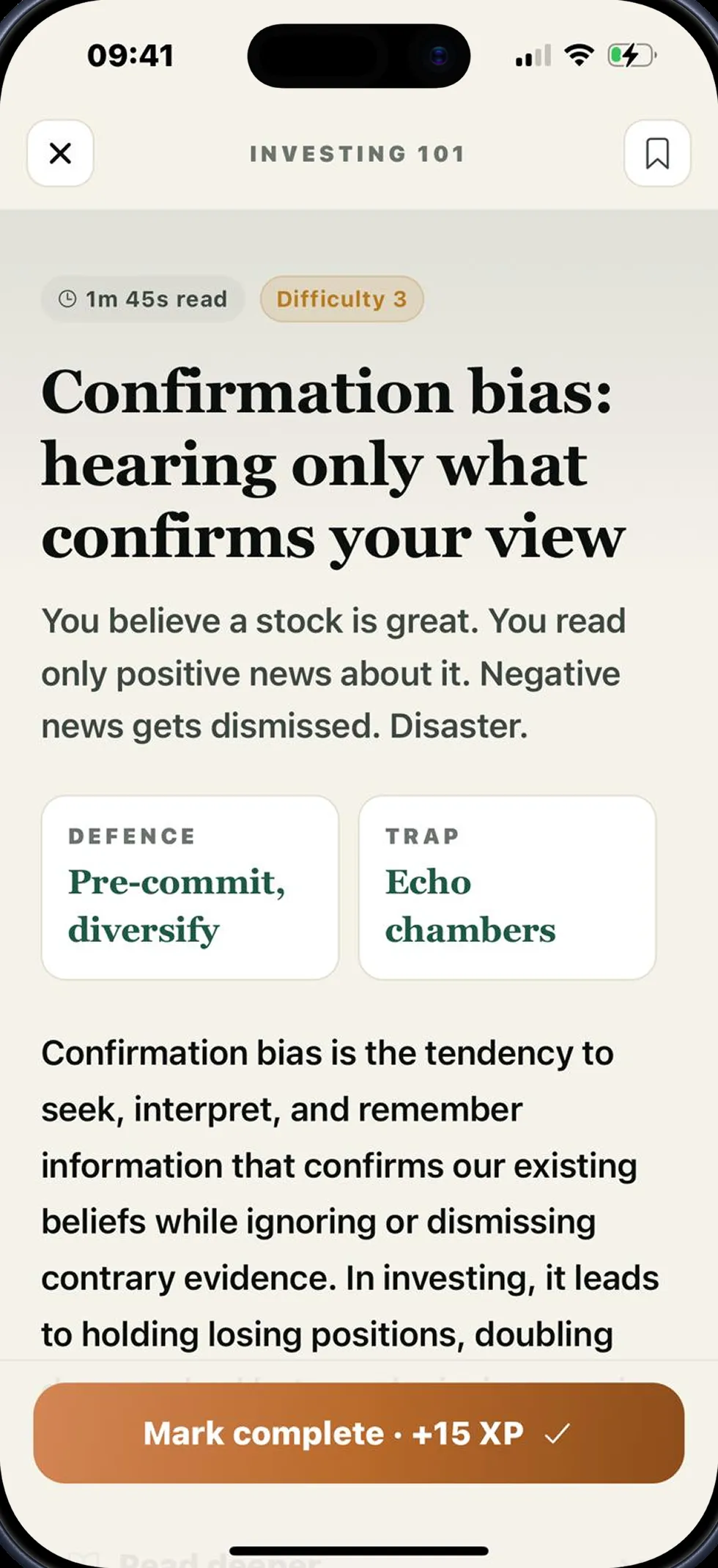
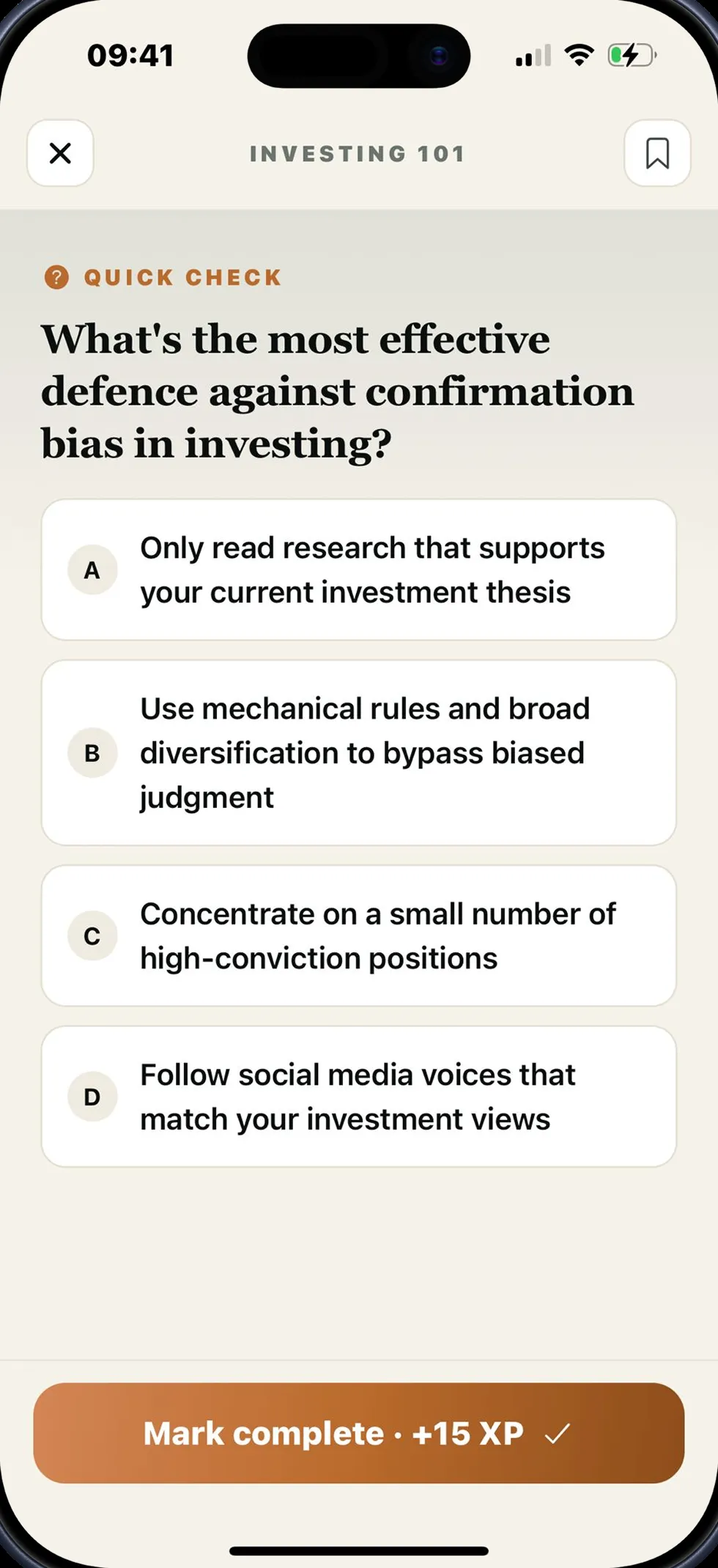
Scroll is a financial literacy app with 950+ short lessons on saving, debt, investing and tax. Each one ends with a quick question, and the examples use your country's rules and currency.
On a computer?Scan with your phone's camera to open the right store.
5 free lessons a day, with no time limit
Never asks for your bank login
09:41
1Today0 XP
Money basics1m 05s · level 1
Pay yourself first: the only budget that survives
Move money to savings the day you get paid. Then live on what's left.
WhenPayday
Starting target10%
Most budgets fail because they treat saving as 'whatever is left at the end of the month'. There's never anything left. Flip it: save first, on payday, automatically. Then spend the rest without guilt. The lazy person's budget that beats the spreadsheet for almost everyone.
Quick check
Why does paying yourself first usually beat 'saving what's left'?
Money basics1m 00s · level 2
Rule of 72: doubling time on a napkin
Divide 72 by the interest rate. That's how many years your money doubles in.
At 6%Doubles in 12y
At 24% APRDoubles in 3y
At 6%, your money doubles in 12 years (72 ÷ 6). At 9%, in 8 years. At 3%, in 24 years. It works in reverse for inflation: 3% inflation halves your purchasing power in 24 years. Not perfect math, but close enough for any conversation about long-term money.
Quick check
Your savings earn 4% a year. Roughly how long until they double?
Scams and traps1m 30s · level 2
Bank impersonation: the 'safe account' trick
'Move your money to a safe account.' No legitimate bank ever says this. None.
TruthReal banks never ask you to transfer
Bank impersonation scams convince victims their account is under attack, then direct them to 'transfer to a safe account' controlled by the scammer. The trick works in every country and works often. Knowing that real banks never use this script defeats the scam entirely.
Quick check
What's the most reliable sign that a 'fraud team' call is a scam?
0 of 3 right, 0 XP
That's how every lesson works.
The app has 947+ more, with the examples in your currency and lessons on your country's accounts. Five a day are free.
Try it. These are three real lessons from the app.
lessons in the app
950+
seconds to read one
45–100
countries with their own rules
23
calculators in the app
9
badges to collect
34
How it works
How a Scroll lesson works
Scroll works like the feeds on your phone, except every card teaches one thing about money and ends with a question. Five lessons a day are free.
01
Swipe up for the next lesson
Your feed mixes topics and is matched to your country, your experience and the goals you pick when you sign up.
02
Read it in about a minute
One idea per lesson: what a marginal tax rate does, why fund fees compound, how a fake bank call goes. Most take 45 to 100 seconds.
03
Answer one question
Four options, and a short explanation whichever one you pick. Right answers earn XP toward your next level.
04
Come back tomorrow
Streaks count the days you open a lesson, and there are 34 badges to collect. Pick a reminder time and the app nudges you then.
Your country's rules
Lessons about the accounts you can actually open
Most money advice online is written for one country. Pick yours in Scroll and the examples switch to your currency, the calculators use your tax rules, and you get lessons on local accounts as well as the universal ones (index funds work the same everywhere).
23 countries are set up this way. Everywhere else, the International setting covers the universal lessons in a currency you choose.
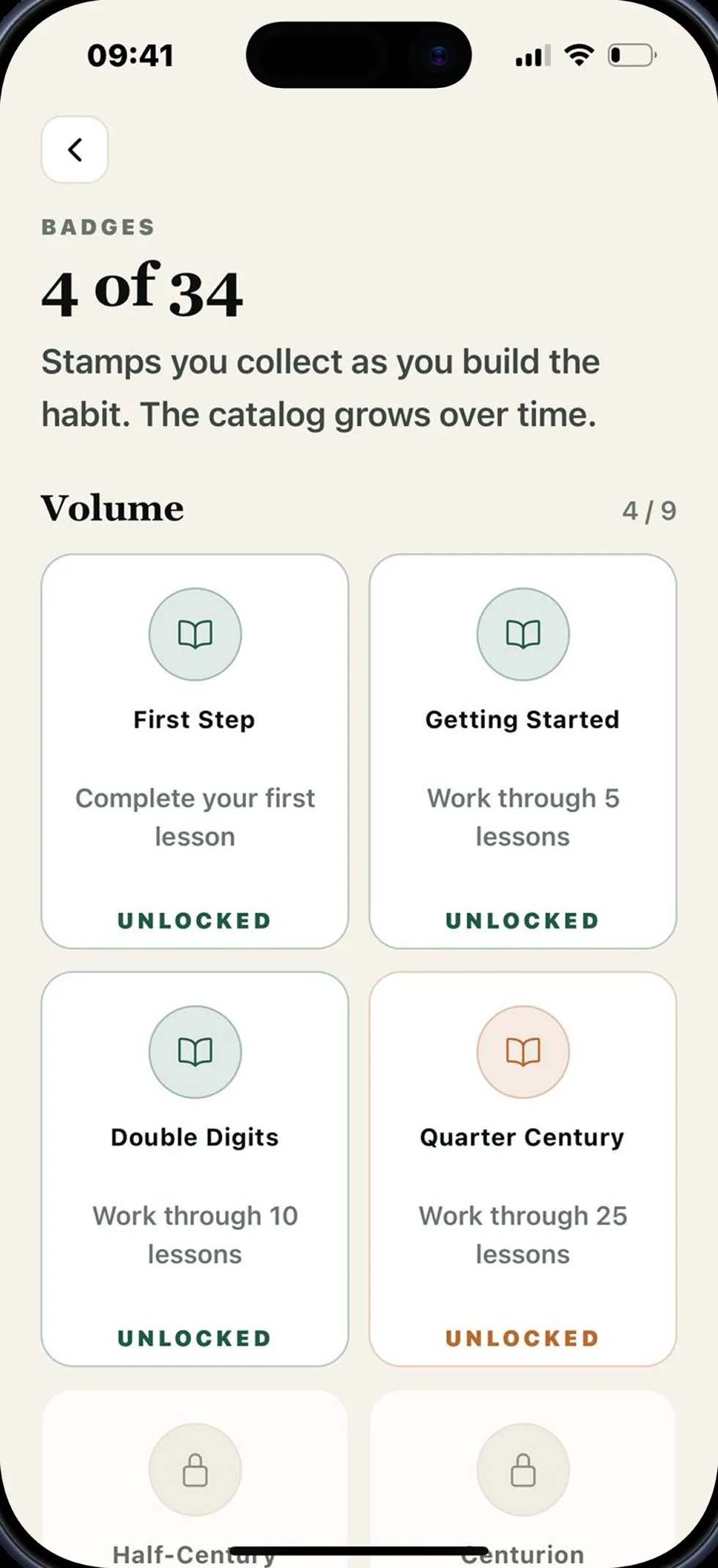
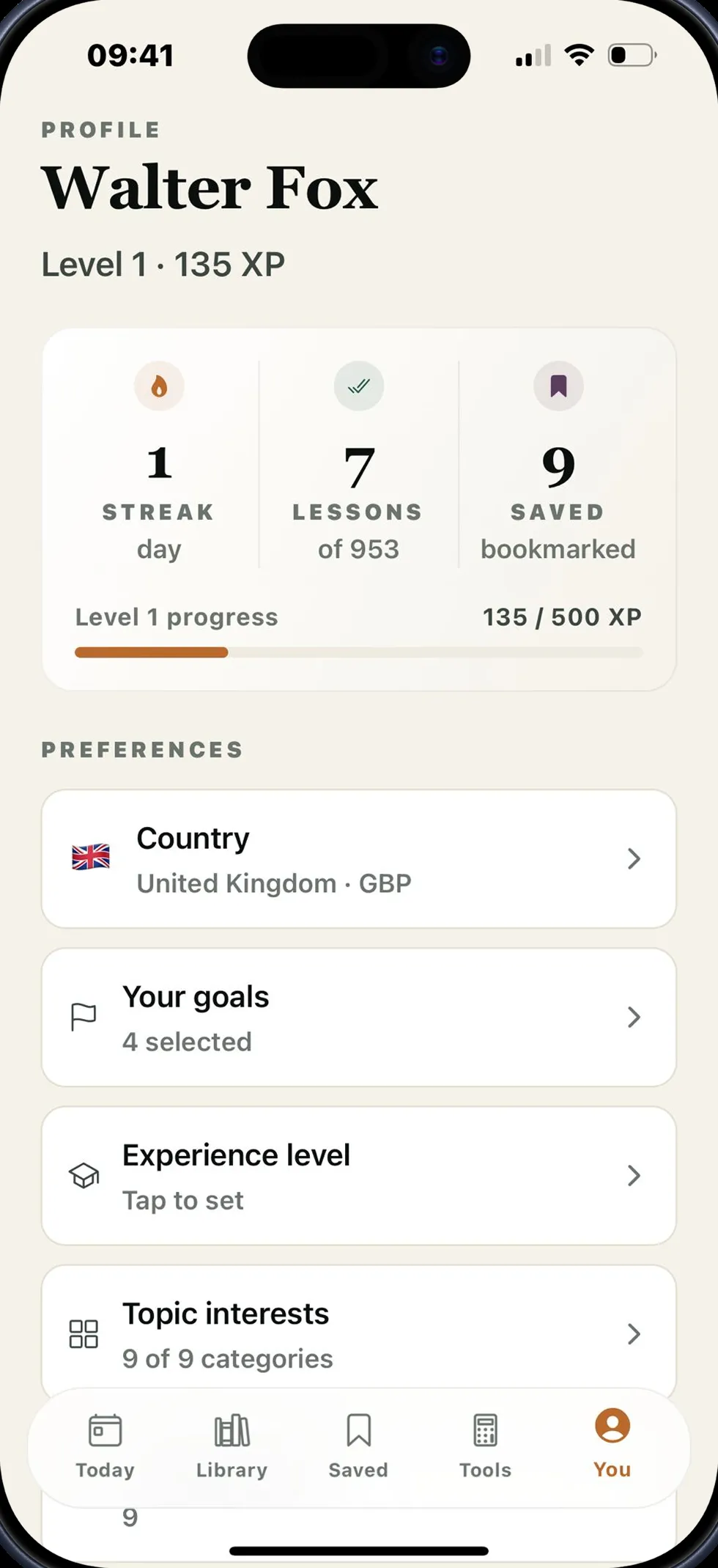
Every right answer earns XP, and XP adds up to levels. Open a lesson on consecutive days and your streak grows. The badges mark milestones you'd otherwise forget, starting with your first lesson.
First Step
Getting Started
Double Digits
Quarter Century
Half-Century
Centurion
You choose a reminder time during setup. If you'd rather not be nudged, switch it off; lessons don't expire, and your progress syncs to a new phone when you sign in.
The fine print, up front
What Scroll won't do with your money or your data
01It never connects to your bank
Scroll doesn't ask for bank logins, card numbers or account details, and it never sees your transactions. The calculators run on numbers you type, and on this site they never leave your browser.
02There are no ads
No ads in the app, no advertising SDKs, and we don't sell or rent your data. The app makes money from Scroll Plus subscriptions and nothing else.
03It isn't advice
Lessons explain how money works in general. They don't know your situation, so they won't tell you what to buy, sell or borrow. For that, talk to a qualified adviser where you live.
04Mistakes get fixed
Rules change; tax bands move every year. If a lesson is wrong or out of date for your country, email hello@scrollfinance.app and it gets corrected in an app update.
Pricing
Free to use for as long as you like
The free plan isn't a trial and doesn't ask for a card. Scroll Plus is for people who want more than five lessons a day or the specialist topics.
Free
$0
5 lessons a day (opening the same lesson again doesn't count)
6 of the 9 topics: money basics, saving, investing, debt, money psychology, scams
2 calculators: compound interest and emergency fund
Quizzes, XP, streaks and badges
Your country's currency and rules
Scroll Plus
$49.99 a year
That's $4.17 a month, with a 7-day free trial. Or $7.99 a month, or $99.99 once for lifetime access.
Everything in Free, plus:
Unlimited lessons
Tax, Property and UK accounts topics
All 9 calculators, including take-home pay with your country's tax
Deep dives: a 200 to 400 word longer read under every lesson
US prices, checked 14 October 2026. The App Store and Google Play show the price in your currency before you confirm. Subscriptions renew until you cancel, which you do in your App Store or Google Play account settings, at least 24 hours before the renewal date. Deleting the app doesn't cancel a subscription.
Yes. The free plan gives you 5 lessons a day, 6 of the 9 topics and 2 calculators, with no time limit and no card. Scroll Plus costs $7.99 a month, $49.99 a year (with a 7-day free trial) or $99.99 once, in the US; the store shows your local price.
Does Scroll connect to my bank account?
No. Scroll is a learning app, not a budgeting tracker. It never asks for bank logins, card numbers or account details, and it can't see your transactions.
Which countries does it cover?
23 countries have their own setup: the US, UK, Canada, Australia, New Zealand, Ireland, India, Singapore, Japan, the UAE, Brazil and 12 more in Europe. You get your currency, your tax rules in the calculators and lessons on local accounts. Anywhere else, choose International for the universal lessons in the currency you pick.
How long is each lesson?
Between 45 and 100 seconds of reading, then one multiple-choice question. Scroll Plus adds a deep dive of 200 to 400 words under each lesson for when you want more.
Is it financial advice?
No. Scroll explains how money works in general: interest, tax, accounts, scams. It doesn't know your circumstances, so it can't tell you what to do with your money. For that, speak to a qualified, regulated adviser in your country.
Do I need to know anything about money already?
No. During setup you pick your experience level (just starting, some knowledge or confident) and the topics you care about, and your feed is built around those answers. Every term is explained the first time a lesson uses it.
Which phones does it run on?
iPhone and iPad with iOS 15.1 or later, and Android phones through Google Play. Your progress syncs when you sign in on a new device.
How do I cancel Scroll Plus?
Cancel in your App Store or Google Play subscription settings, at least 24 hours before it renews. You keep Plus until the end of the period you've paid for. Deleting the app doesn't cancel the subscription.
Your first lesson takes about a minute.
Scroll is free on iPhone and Android, with 5 lessons a day and no card needed. Pick your country when you first open it.
On a computer?Scan with your phone's camera to open the right store.
Can we use Google Analytics cookies to see which pages get read? No ads, and we don't sell data. How we use them